

Create Your Account
Sign up for Covara in minutes.
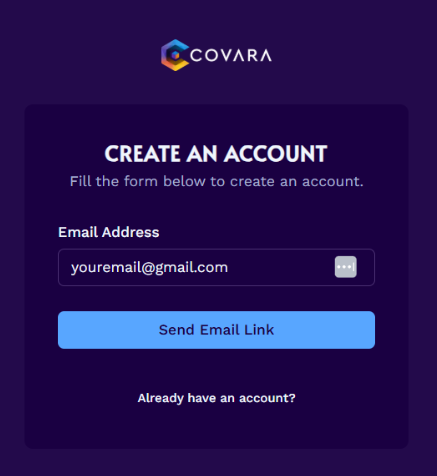
Confirm your signup email
The email you receive will be titled Confirm Your Signup.
Note
If you do not receive an email within a few minutes, check your spam folder.
Complete email verification
Click the Confirm Email Address button in the email to complete the account creation process.
Set up your profile
Add your name, your team's name, and select your preferred plan.
Note
If you do not have a team, enter your name again.
Choose your subscription
Click Proceed to Payment and enter your payment details.
Note
If you select the free version, you will not be prompted to enter credit card information, but the button will still say Proceed to Payment.
Complete subscription
Click Subscribe. You will be directed back to Covara's home page.
Open your dashboard
Click your team name to enter the Covara dashboard.
Need help?
Email support@covara.ai.