

Create Your First Policy Report
Upload and analyze your insurance policy with Covara.
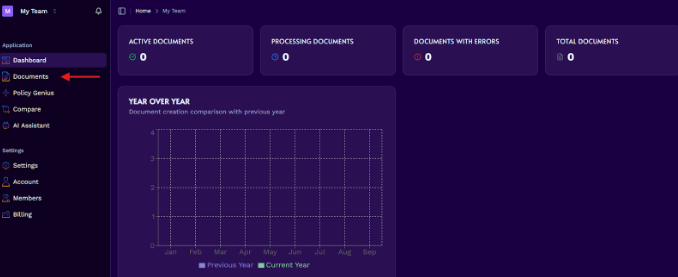
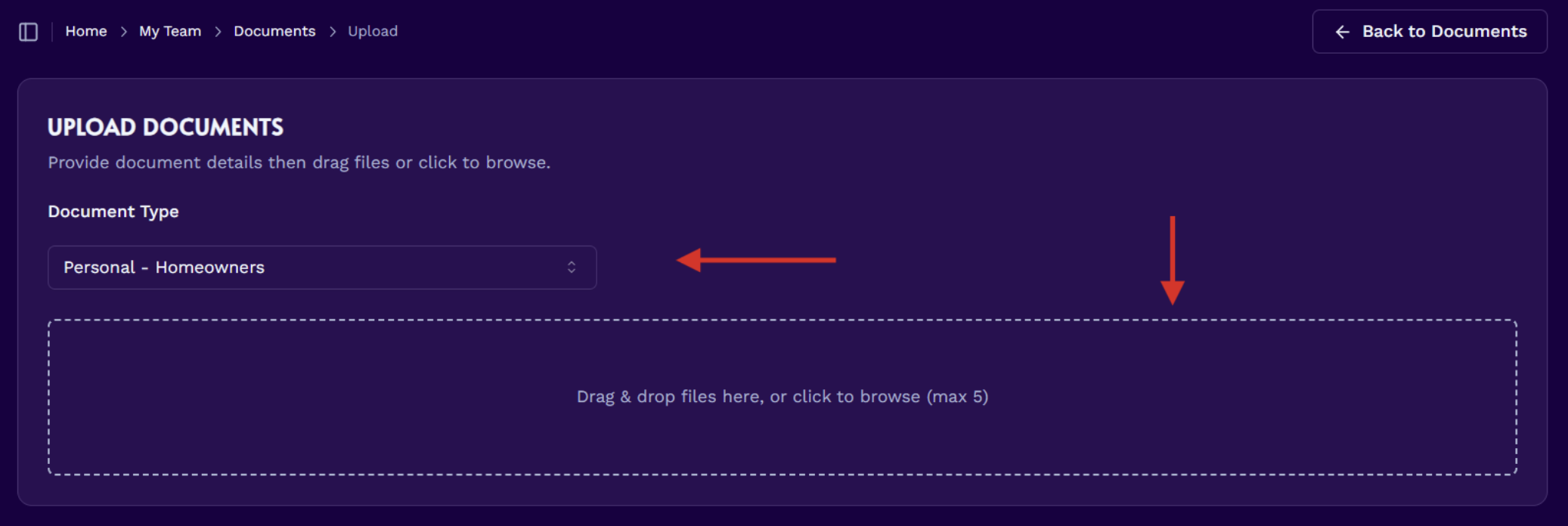
Select the document type
Choose the appropriate Document Type, then upload your policy as a PDF into the drag-and-drop area.
Confirm the upload
Click Confirm & Upload. You will be prompted to verify that the correct document type was selected. If the document type is incorrect, click Cancel and select the correct option from the dropdown.
Wait for processing
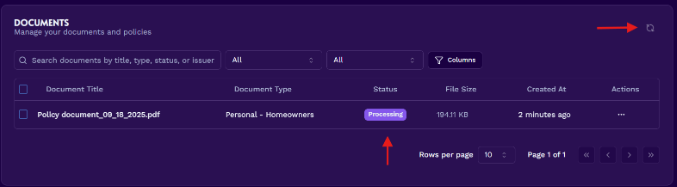
Your custom policy report will begin processing. This can take up to 10 minutes. When processing is complete, the Status column changes to Active.
Note
Use the refresh document button at the top right if you want to refresh the page.
Open Policy Genius
When the document has finished processing, click the Policy Genius tab on the left navigation.
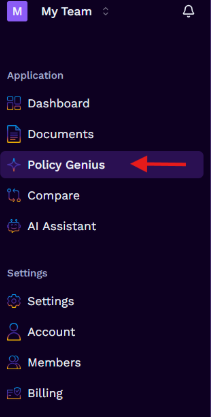
Select your policy
Select the policy you just uploaded to view the report.
Use report actions
Use the buttons at the top right of the report to create a PDF or CSV download, share the report by email, or ask questions about your policy using the AI assistant.
